Last Updated: 4 June 2026

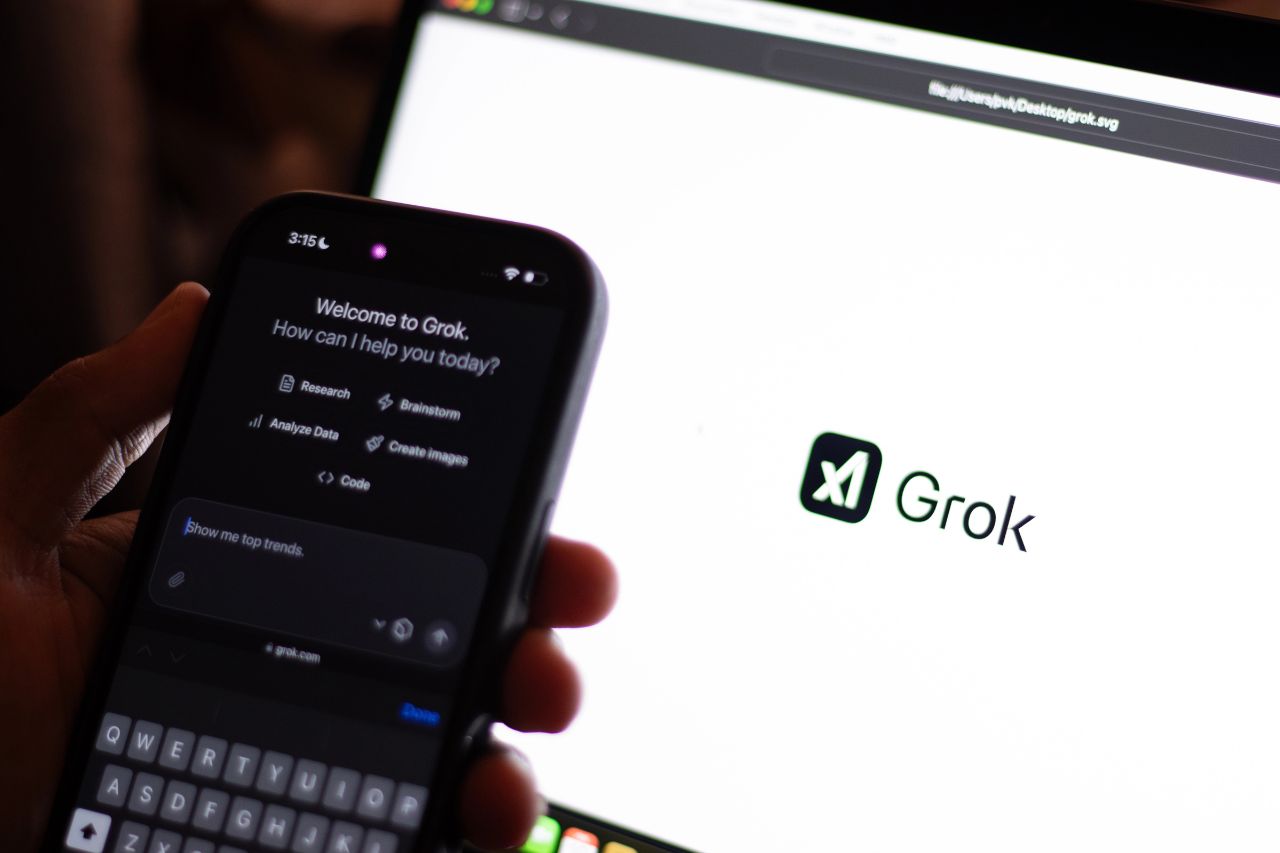
Grok Imagine 1.5 is xAI’s new image to video model, and it is now available in preview through the xAI API. The tool lets users start with a still image, write a prompt for the motion, and create a short video with camera movement, scene action, and sound direction.
That may sound like another AI video update, but the bigger story is control. Grok Imagine 1.5 arrives at the same time as new image tools from Ideogram and Reve, which also focus on editing, layout, text, and user direction. AI creation is getting less random and more useful.
Grok Imagine 1.5 works by taking one image as the starting frame and turning it into a short video. Users can describe what should move, how the camera should act, and what kind of mood the clip should have. The model then creates motion that follows the original picture.
This is useful because many creators already start with a visual idea. A product shot, concept art, poster, character image, or scene sketch can become a short moving clip without building the whole scene from zero. For small teams, this can make video testing faster, cheaper, and easier to manage, especially when they need to compare different styles, moods, or ad ideas before choosing one.
The model can create clips up to 720p, and users can set details like resolution and clip length. xAI also says the tool can keep lighting and detail from the first image, so the result feels connected to the source instead of becoming a totally different scene.
The first version of this release is made for developers through the xAI API. This means builders can bring Grok Imagine 1.5 into apps, websites, creative platforms, ad tools, or private company workflows. It is not just a feature people try once. It is a tool that can be connected to real products and used many times.
For developers, the real value comes from building repeatable use cases. A team could let users upload a product image and turn it into a short ad. A game studio could test scene ideas before making full assets. A media company could create quick video clips for stories. Grok Imagine 1.5 becomes part of the creative process, not just a final output.
Some details developers will care about include:
This makes Grok Imagine 1.5 more than a single creative toy. It gives developers a base to build real products around AI video, especially for people who need fast visual drafts.
One of the strongest parts of Grok Imagine 1.5 is how it handles movement. The model can follow prompts about camera motion, scene speed, mood, and physical action. A user can ask for a slow zoom, smoke moving across the frame, hair reacting to wind, or a soft change in the scene.
Sound is also part of the same creative step. Instead of making a video first and adding audio later, users can describe the sound they want inside the prompt. That can include background noise, mood, or simple sound effects. For creators, this helps a short clip feel more finished from the start.
This is useful for social posts, ads, trailers, explainers, and pitch decks. Short videos are now a basic part of online content, and teams often need to test many ideas before choosing one. Grok Imagine 1.5 gives them a faster way to try scenes before moving into full production.
Still, users should expect errors. The result is AI generated, so faces, hands, timing, and physics may look wrong in some clips. Its best use is quick testing and early visual planning, not perfect final video on the first try.
Grok Imagine 1.5 fits into a larger shift in AI creation. Tools like Ideogram 4.0 and Reve 2.0 are also giving users more control after the first result appears. That is useful because a prompt can get close to the right image, but small problems often remain.
Ideogram has become useful for text inside images and design focused work. That can help with posters, ads, logos, cards, and social images where words need to be readable. Since many AI image tools still make errors with letters, clean text has become an important part of serious visual work.
Reve 2.0 takes a different route by letting users edit selected parts of an image. A person can change one object, label, area, or layout detail without remaking the full image. This keeps the parts that already work and gives users more room to fix what feels wrong.
Taken together, these tools show where AI creation is going. The process is becoming less about asking once and accepting the result. It is becoming closer to normal editing, where users can adjust, correct, and guide the final image with more care.
For creators, these tools make it easier to move from an idea to a visual draft. A person can create a still image, animate it, test the mood, adjust the layout, and try several versions. That can help with client work, social content, story planning, and early creative tests.
For brands, the main value is speed. A marketing team can test more product scenes, short videos, and ad ideas before choosing what deserves more time. These tools do not replace taste, planning, or review, but they can make the first creative rounds much faster.
For small teams, this can be very useful. Not every team has a video editor, motion designer, sound designer, and graphic designer available every day. AI tools can help create rough versions that show direction, style, timing, and mood before the team spends money on final work.
The strongest results will come from people who know how to guide the tool. Clear prompts, good judgment, and smart edits will matter more than simply asking once and accepting the first result. In that sense, creative direction becomes the real skill.
Grok Imagine 1.5 shows that AI video is becoming more practical. It takes a still image, adds motion, follows direction, and gives developers access through the xAI API. That makes it useful for apps, creative workflows, marketing tests, and fast visual drafts.
The bigger trend is clear across Grok Imagine 1.5, Ideogram 4.0, and Reve 2.0. AI creation is moving toward more control, better editing, and less random output. For creators and small teams, that means faster testing and more ways to turn an idea into something people can see.
Grok Imagine 1.5 is an AI video model from xAI. It can take a still image and turn it into a short moving clip. Users can write a prompt that describes the motion, camera move, mood, and sound. The model is available in preview through the xAI API, so developers can build it into other products. It is mainly useful for fast video drafts, social clips, creative tests, and early scene planning.
Grok Imagine 1.5 focuses on turning images into short videos, while Ideogram and Reve focus more on AI image creation and editing. The connection is control. All three tools show that AI creation is moving past basic prompts. Users want to adjust text, layout, regions, camera movement, sound, and timing. Instead of making a new result every time something is wrong, these tools help users guide and edit the output more clearly.
Grok Imagine 1.5 creates videos from a starting image. A user uploads or provides a visual, then writes what should happen next. The prompt can describe camera movement, action, timing, atmosphere, or sound. The model then builds a short clip from that first image. This makes it useful for turning product photos, artwork, posters, and visual ideas into moving scenes.
Right now, Grok Imagine 1.5 can be used through the xAI API in preview. This makes it most useful for developers and teams that want to build with it. They can add the model to creative apps, marketing tools, websites, or private systems. General users may see wider access later, but the current release is focused on builders.
No. AI video tools are better seen as another production tool. They can help creators test scenes, make rough clips, and compare ideas, but they do not replace the thinking behind the work. A good video still needs purpose, taste, timing, and review. Without that, it is just moving pixels.