Last Updated: 20 June 2026

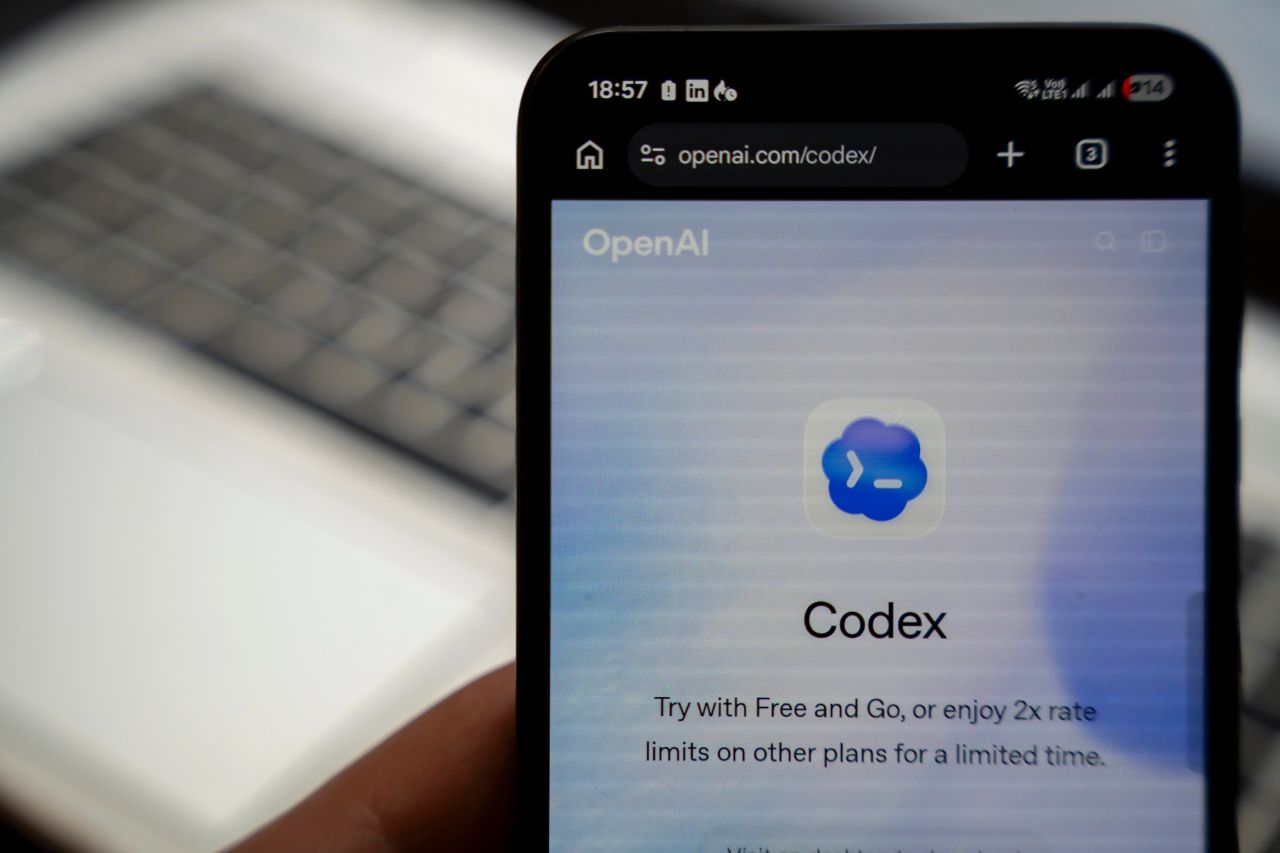
OpenAI is making Codex easier to teach. With Record and Replay, users can show a task on a Mac one time, then save the process as a skill. Codex can use that skill later for similar work. The feature is aimed at daily tasks that are not hard, but still take time again and again.
This is useful because many workflows are easier to show than explain. A task may include menus, tabs, files, fields, and small decisions that feel obvious to the person doing it. Record and Replay helps Codex capture that flow, so the user can spend less time repeating the same manual steps later each week at work.
OpenAI Codex Record and Replay is a new way to teach Codex a task by showing it what to do on a Mac. A user can skip the long prompt and perform the workflow once. Codex watches the needed actions and turns that example into a reusable skill for later use.
That skill can later guide Codex through the same kind of work with new details added each time. A person might show how to file an expense, publish a video, create an issue, book parking, or download a recurring report. The task becomes easier to repeat because the pattern is already captured.
For regular users, the appeal is easy to see. Many office tasks are hard to explain in text because they depend on menus, forms, small choices, and personal habits. Record and Replay lets people teach by doing, which may feel closer to how humans train a new coworker at a desk.
The recording starts inside the Codex app through the Plugins area. The user selects the option to record a skill, checks the suggested prompt, adds useful context, and gives permission before the capture begins. From there, the user completes the workflow as normal on the Mac from start to finish.
During the recording, Codex observes the actions and window content it needs to understand the task. When the user stops, Codex reviews the captured steps and drafts a skill. The skill includes when to use the workflow, what inputs are needed, what steps to follow, and how to check the result.
The next time the same task appears, the user can start a new Codex thread and ask it to use the saved skill. New values can be added, such as a file name, a date range, or a customer record. Codex then uses the skill as reusable task context for that request.
The safest recordings are short, focused, and clean. OpenAI also advises users to avoid secrets and sensitive data while showing Codex what to learn in the demo.
Record and Replay is aimed at work that repeats often and takes too many small clicks. This includes internal forms, weekly uploads, routine browser tasks, and simple handoffs between apps. Its value comes from saving attention on chores that people already know by heart at work, and repeat again often.
Teams may also use skills as shared know how across a group. If one worker records a clean process, another person may be able to reuse it later instead of asking for a walkthrough. For managers, that could mean fewer repeated questions and more consistent steps across common company tasks.
The feature also fits a larger move toward AI agents that can act inside apps and answer questions in chat. Codex already works with tools such as Computer Use, browser actions, and plugins. Record and Replay gives those tools a memory of how a person handles a real task on screen.
Access is limited for now. Record and Replay works on macOS, and users need Computer Use available and turned on before they can try it. The first release is not available in the European Economic Area, the United Kingdom, or Switzerland. Broader access may arrive later, but no complete rollout calendar has been shared for users yet.
That limit affects teams testing Codex automation right now in real workplaces with mixed devices. A company with Windows devices, strict internal rules, or workers in restricted regions may need to wait. Even teams with Mac access still need to check device settings, permissions, and what Codex can see while someone records a workflow during normal work hours each day.
Privacy needs a clear warning for anyone using the feature at work or inside a company system. Record and Replay learns from what the user shows on screen, so the demo should stay focused. People should use test data when possible, close extra windows, avoid secrets, and stop recording once the task is finished. The saved skill should be reviewed before reuse.
Treat every skill like a saved process. It should be clear, checked by a human, and updated when the real workflow changes over time safely.
The public reaction has been active, with many people treating Record and Replay as a big step for daily AI automation. The Digg page around the launch showed strong interest, many comments, and mostly positive sentiment. People liked the chance to turn manual workflows into reusable skills for later use.
Some users also pushed back on the limits. The main complaints focused on macOS access, missing regional access, and the need for Computer Use. That is a fair concern. A feature built around real desktop actions feels less useful when many people cannot try it yet on their own machines.
OpenAI is moving Codex beyond coding help toward a work assistant that can learn visible routines. For AI fans, the interesting part is that the user teaches the system with actions, so the lesson comes from real work on screen and daily work context.
Record and Replay gives Codex a more practical job for users who handle repeated work. It helps turn one clean example into a saved skill that can be used again. People still need to check the result, protect private data, and keep their process clear. Codex can help with routine work, while the human still owns the full workflow completely.
It also points to a larger move in AI tools. The next step is better help inside the apps people already use each day. A tool that can watch a task, learn the steps, and repeat them later feels closer to a real work assistant. The limits around access and privacy still need attention from teams and individual users now.
Used well, Record and Replay can save time. Used carelessly, it can copy bad habits. The difference comes from how people teach it first today well.
OpenAI Codex Record and Replay lets people train Codex through action instead of long instructions. The user records a task on a Mac, and Codex turns that demo into a reusable skill. Later, Codex can use the skill with new files, dates, records, or other details. The feature is meant for routine work that often involves apps, menus, forms, uploads, and small choices that repeat during the week.
Record and Replay starts when the user chooses to record a skill inside Codex. The user gives permission, then completes the task as usual on the Mac. Codex watches the needed actions and screen content during the workflow. When the recording stops, Codex drafts a skill with the steps, inputs, and final checks. The user can review and edit that skill before using it again for a similar task.
Record and Replay is limited at launch. It works on macOS, and Computer Use must be available and turned on. OpenAI says the first release does not include the European Economic Area, the United Kingdom, or Switzerland. That means some users will not see the feature yet, even if they already use Codex. Access depends on location, account settings, device type, and whether the needed Codex tools are active.
Privacy depends on how carefully the recording is made. Since Codex watches the workflow being shown, users should remove anything that does not belong in the demo. That includes private messages, customer records, passwords, and open files that are not part of the task. Use simple test data when possible. Once the skill is created, review the steps and checks before using it again in a live work setting.
Codex automation is getting attention because it moves AI closer to daily computer work. Many tasks are not difficult, but they take time because they involve forms, files, menus, and repeated checks. Record and Replay gives users a way to save that process after one clean demo. For teams, that could mean faster training, fewer repeated questions, and more consistent steps across common workflows that people already do every week.


